King Billy Casino Login in Canada 2026: A Step-by-Step Guide to the 'Connexion' Page, Mobile Access, and Fixing Common Sign-In Errors
King Billy Casino Login in Canada 2026: A Step-by-Step Guide to the 'Connexion' Page, Mobile Access, and Fixing Common Sign-In Errors
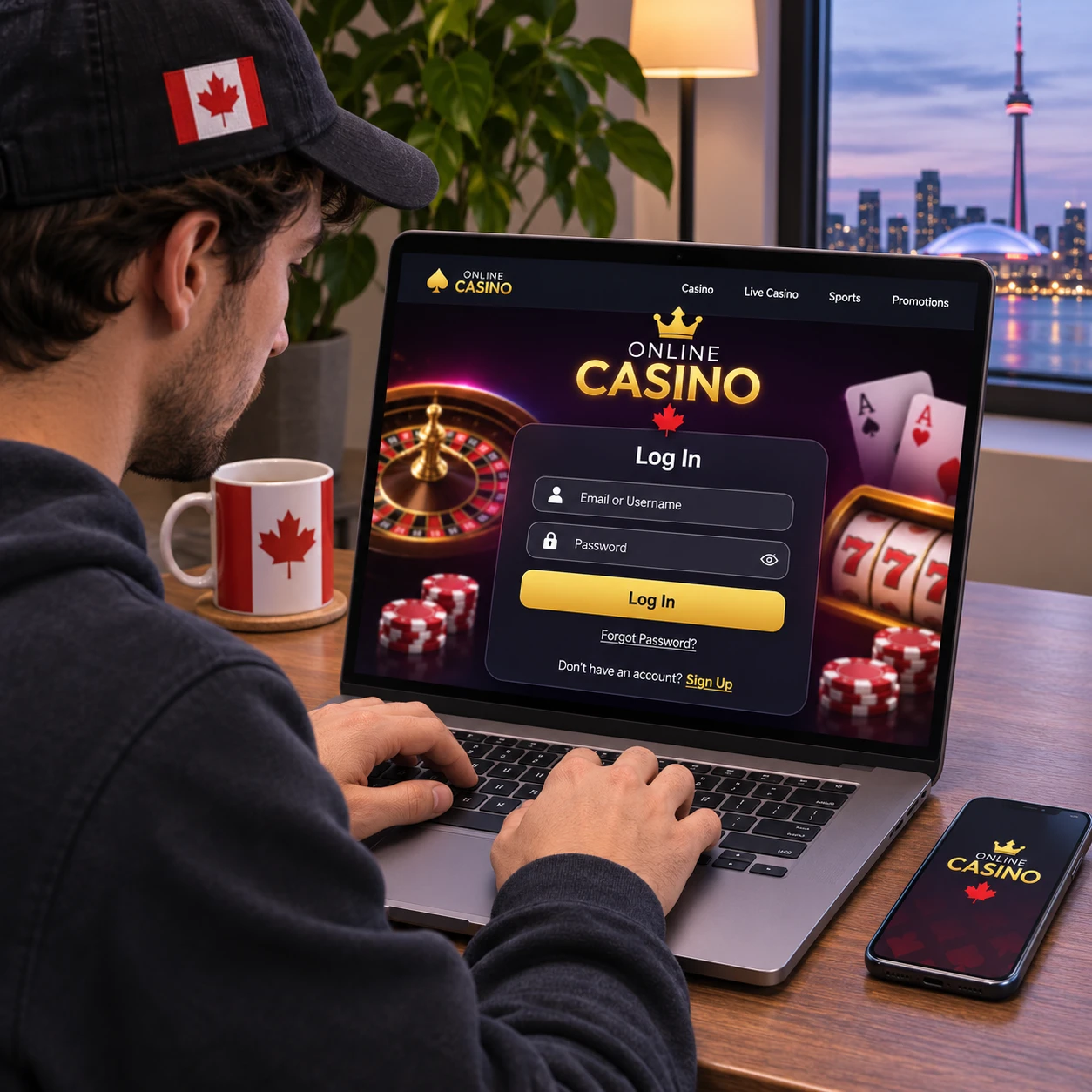
Canadian players decide whether they trust a casino in about thirty seconds. Not on the first spin. Not while waiting on the first withdrawal — on the login screen. Everything before that is marketing. The sign-in page is where a site either moves out of your way or stands right in it. I've watched people walk away from a perfectly good session because a password field misbehaved. I've also watched others land in the lobby in nine seconds flat and never give it a second thought. Luck rarely has anything to do with it. Knowing the page does.
In 2026 the king billy casino connexion screen is the one gateway for desktop and mobile both. No separate app to fight with, no launcher — just a browser and a username. Below I'll go through how that page really works, where the mobile version differs (and where it catches people), and how to clear up the handful of sign-in errors behind almost every 'I can't get in' message I see. If you've ever sat staring at a loading spinner wondering whether the problem is you or the site, this is the one you want.
What the King Billy Casino 'Connexion' Page Actually Is
Start here, because this one detail causes more panic than any technical fault ever does. 'Connexion' is just French for 'connection.' In this context, login. The platform serves bilingual and international markets, so the label shows up in the interface.
You're not on the wrong site. Nobody redirected you to a clone. You've landed on a page that simply hasn't been told to speak English yet.
What you'll find there is what you'd expect from any modern casino login: a field for your registered email or username, a password field, a 'forgot password' link, a remember-me toggle for devices you trust, and a way through to registration if you're new. Get past it and the same entry point opens everything — cashier, your active bonuses, the game library, your account history, any withdrawals still pending. One door, whole building.
Desktop Login Walkthrough
Open whatever browser you use, go to the login URL, type your credentials, confirm. You drop straight into the lobby. No download, no installer, no permission prompts. It's all browser-based, so it behaves the same on Windows, macOS and a Chromebook. If your machine can load a news site, it can run this.
Why the Page Loads in French or Another Language
The site reads your browser locale. That's why a Canadian player with a French-configured browser — or someone browsing through a European VPN — can land on a page that looks foreign. There's a language selector right there on the page, usually a small flag or a dropdown up in the header. One click, you're in English. Nothing's broken. Nothing needs reinstalling.
Step-by-Step: Logging In via the King Billy Connexion Portal
The whole process, start to finish, including the parts people skip.
- Go to the official login URL. Type it, or use the bookmark you saved. Don't follow a search result into a lookalike domain.
- Enter the email registered to your account. Not your nickname. Not the email you shop with. The one on the account.
- Type the password exactly as you set it. It's case-sensitive, and autocorrect will cheerfully 'fix' it into something wrong.
- Complete any verification prompt if you've turned on 2FA — the code comes by email or authenticator app, not from the page itself.
- Confirm and let the lobby render. A second or two on a decent connection. Longer if your signal is weak.
Once you're through, the dashboard shows your balance, any bonuses active or pending, and the status of withdrawals in progress. Bonus not showing up where you expected it? Check the dashboard before assuming it vanished. Most of the time it's tucked under a tab you haven't opened.
The direct route matters more than people give it credit for. Search 'King Billy login' in 2026 and you'll pull up mirrors, clones and affiliate pages built to look like the real thing. A credential typed into one of those is exactly how accounts get harvested. Use the king billy casino connexion page and skip the guesswork.

First-Time Login After Registering
There's a gap between 'I signed up' and 'I'm in,' and it catches people out. Register and you'll get a verification email. Click the link, activate the account, then log in normally. Check spam before you write to support — that's where most of these land.
The classic Canadian stumble is sitting there waiting for an SMS code that never arrives because the phone number was entered a digit short. If nothing comes in a few minutes, log in and fix the number in your profile instead of requesting code after code.
Mobile Access — Logging In From a Phone or Tablet in Canada
Mobile runs the same account through a responsive browser interface, not a separate native app. That's the good version of things: no app store region headaches, no storage eaten, no update that quietly breaks the login button. iOS Safari or Android Chrome, open the URL, log in, and you're in the lobby. You can also add the page to your home screen for a one-tap icon that behaves close enough to an app.
One caveat, stated plainly: Ontario and other provinces have their own rules around casino advertising and promotion, so check your provincial eligibility before you deposit. The login page works either way — eligibility is about the account, not the button.
Home-Screen Shortcut vs. Search Bar
Two realistic ways to reach the login page on a phone. One is searching every single time, which is slow and carries a genuine risk of tapping a sponsored lookalike. The other is saving the page as a bookmark or home-screen icon. Take the second. Faster, safer, and within a week you'll have stopped thinking about it.
Mobile-Specific Login Quirks
Phones bring their own small miseries. Autofill drops in a password you changed months ago. Password managers occasionally grab the wrong saved credential for a similar domain. Mobile keyboards love capitalizing the first letter of a password field, silently turning a correct password into a failed attempt. And hopping between Wi-Fi and mobile data mid-login can kill the session before it establishes.
None of it is serious. All of it will convince you your password is wrong when it isn't.
Fixing the Five Most Common Sign-In Errors
'Incorrect username or password.' Caps lock first. Then keyboard layout — a device set to French-Canadian will swap keys around on you. Then clear the saved autofill entry and type it manually.
The page loads but the login button does nothing. Clear cache and cookies for that domain, then switch off browser extensions one at a time. Ad blockers and privacy extensions are usually behind this, since they block the scripts the form needs.
Infinite loading spinner. Change networks, kill any active VPN, try a different browser. If it loads on mobile data but not Wi-Fi, the problem sits with your network, not your account.
'Account locked' after repeated attempts. That's a safety cooldown, typically 15 to 30 minutes, and it clears on its own. Wait it out before contacting support — every retry resets the timer.
'Session expired' loops. Third-party cookie blocking. Allowlist the domain in your browser's privacy settings and the loop stops.
Resetting a Forgotten Password Safely
Hit the 'forgot password' link, check the inbox for the reset message, and remember the link expires — usually inside an hour or so. Dead link? Request a fresh one.
The bigger risk here is phishing, because fake reset notices that mimic the real thing are everywhere. Never click a reset link out of an unsolicited email. Type the URL yourself, then reset from there.
Keeping Your Account Secure While Logging In
Prevention beats troubleshooting every time. Pick a unique password you don't reuse from your email or your banking. Turn on two-factor authentication if it's offered — it's the single best protection against a stolen credential. Don't log in over public Wi-Fi without a VPN, and log out properly on shared devices instead of trusting a closed tab.
And the rule that catches more people than any other: a legitimate casino will never ask for your password by email or live chat. Anyone who does isn't the casino.
How to Tell the Real Login Page From a Copy
Impostor 'mirror' sites are the biggest practical risk around casino logins, and they're good enough now to fool a tired eye. The checklist is short. Verify the exact domain before you type anything. Confirm HTTPS in the address bar. Get suspicious if a page wants card details at login — that never belongs there. And treat any site demanding a second registration, when you clearly already have an account, as hostile until proven otherwise.
FAQ
Why does my King Billy login say 'Connexion'?
The platform serves French-speaking and international markets and auto-detects your browser locale. Use the language selector to switch to English. Nothing is broken.
Can I stay logged in on my phone?
Yes, if you enable remember-me on a device only you use. Skip it on shared or borrowed phones.
What do I do if I'm locked out?
Wait 15 to 30 minutes for the cooldown to expire, then try once with a carefully typed password. If that fails again, use the password reset rather than burning more attempts.
Is the login page the same in every Canadian province?
The login itself is identical everywhere. Provincial rules on advertising and eligibility differ, so confirm your own province's position before depositing.
Do I need a VPN in Canada?
No — but if you run one for privacy, turn it off when login misbehaves. VPNs are a common cause of loading loops.
What if I forgot which email I registered with?
Contact support with your account details and any deposit receipts. They can identify the registered address without you guessing at it.
The Connexion page is the only door you need, and it works much the same whether you're at a desktop in Calgary or on a phone somewhere along the 401. Nearly every sign-in failure traces back to one of three things: a password typed a character off, a cache hanging onto stale data, or a network that won't play along. Bookmark the official login page rather than trusting whatever a search engine puts at the top. Sort your account security before your first deposit, not after. That's the whole trick. Takes about two minutes.